
Training Trains, Erode · 13 March 2020 · 1 photo
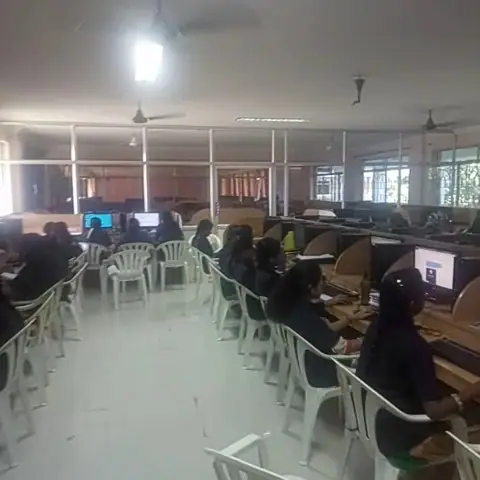
5 Days Training Completed.... Thanks All my dear students
About this post
5 Days Training Completed.... Thanks All my dear students
Android | Workshop on Android Application Development What is Android?
Android is a software stack for mobile devices that includes an operating system, middleware and key applications. Google Inc. purchased the initial developer of the software, Android Inc., in 2005. Android's mobile operating system is based on the Linux kernel. Google and other members of the Open Handset Alliance collaborated on Android's development and release. The Android Open Source Project (AOSP) is tasked with the maintenance and further development of Android. Android was listed as the best-selling Smartphone platform world-wide in Q4 2010 by Canalys. Android has a large community of developers writing applications ("apps") that extend the functionality of the devices. There are currently more than 19,00,000 apps available for Android in Dec 2015. Android Market is the online app store run by Google, though apps can also be downloaded from third-party sites. Developers write primarily in the Java programming language, controlling the device via Google-developed Java libraries.
Android Market
Android Market is the online software store developed by Google for Android devices. An application program ("app") called "Market" is preinstalled on most Android devices and allows users to browse and download apps published by third-party developers, hosted on Android Market. As of December 2015 there were about 19,00,000 games, applications and widgets available on the Android Market. Topics to be covered in Android Workshop
Day 1
1. Why Android? 1.1. Openness 1.2. Market 1.3. Growth 1.4. Opportunities 2. Android Overview 2.1. How it all got started 2.2. Potential & Future 2.3. Why Android is different (and important) 3. SDK Intro 3.1. Platforms 3.2. Tools 3.3. Versions 5. Theoretical and Practical approach to Android Technology 6. Learn to Manage Android Life Cycle 7. Working with Fonts 8. Checking Internet Connection 9. SMS, send text messag
Topics: Workshops & certificates · All photos from March 2020
More from the Training Trains gallery
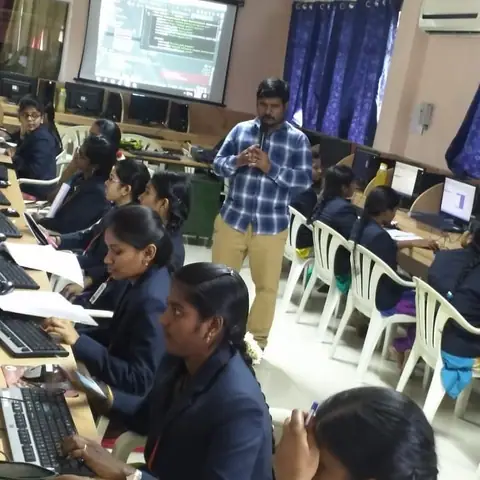 5 Days Android workshop training completed
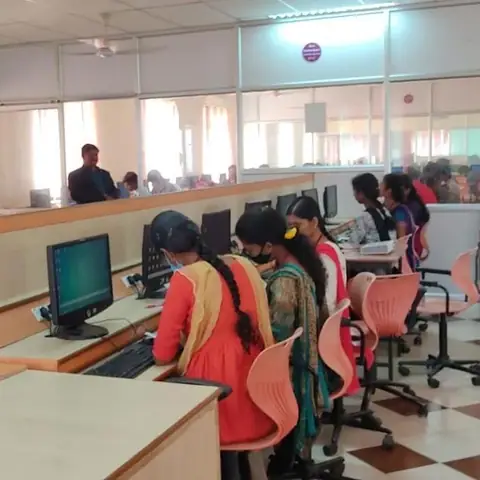 College workshop
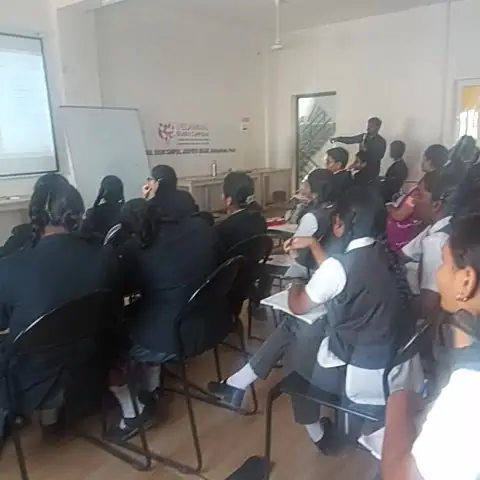 Certifications Corporate Training Workshop School
 Start Your Internship and Inplant training (3 November 2019)
 Daily Training # Training Trains
 In-plant Training/Internship Training (22 July 2022)
 Android Workshop School training
 IT- Training With Live Projects Working experience
Join an internship or training at Training Trains
Call or WhatsApp +91 90250 10144, apply online at internship.trainingtrains.com, or visit one of our offices:
- Erode (N.G. Palayam)
332 Mullamparappu, N.G. Palayam Post, Erode, Tamil Nadu 638115
Directions on Google Maps - Erode (Perundurai)
28/8, Sarayakkaran Thottam, Kalliyampudur Road, Perundurai, Erode - 638052
Directions on Google Maps